A bilingual product looks fine in the designer's file. Then the Arabic version ships, and a screen that was careful in English has a back arrow pointing the wrong way, an order number that reads backwards, digits in two scripts, a table whose text hugs the wrong edge, and a search box that cannot find a name the user typed correctly.
None of this is hard to fix, and almost all of it is easy to prevent if you know where it comes from. Here are twelve mistakes we see in right-to-left (RTL) interfaces, each with the fix.
1. Hard-coding left and right
The most common one. margin-left, padding-right, float: left, text-align: left, left: 0 all say "this edge" when you mean "the start". In RTL, the start is on the right.
Use logical properties, which follow the writing direction:
/* before */
.card { margin-left: 16px; padding-right: 24px; text-align: left; }

/* after */
.card { margin-inline-start: 16px; padding-inline-end: 24px; text-align: start; }
The same goes for inset-inline-start, border-inline-end and the rounded corners border-start-start-radius. In Tailwind, use ms-4, ps-6, start-0 and text-start rather than the left and right classes. See MDN's guide to logical properties for the full list.
Flexbox and grid already follow the direction: a flex-direction: row lays out from the right in RTL, so do not reverse it by hand.
2. Setting direction in the wrong place
Direction belongs on the page, once: <html lang="ar" dir="rtl">. Setting it on individual components leads to a screen that is half one way and half the other. lang matters as much as dir: it picks the right font fallback and hyphenation, and tells screen readers which voice to use.
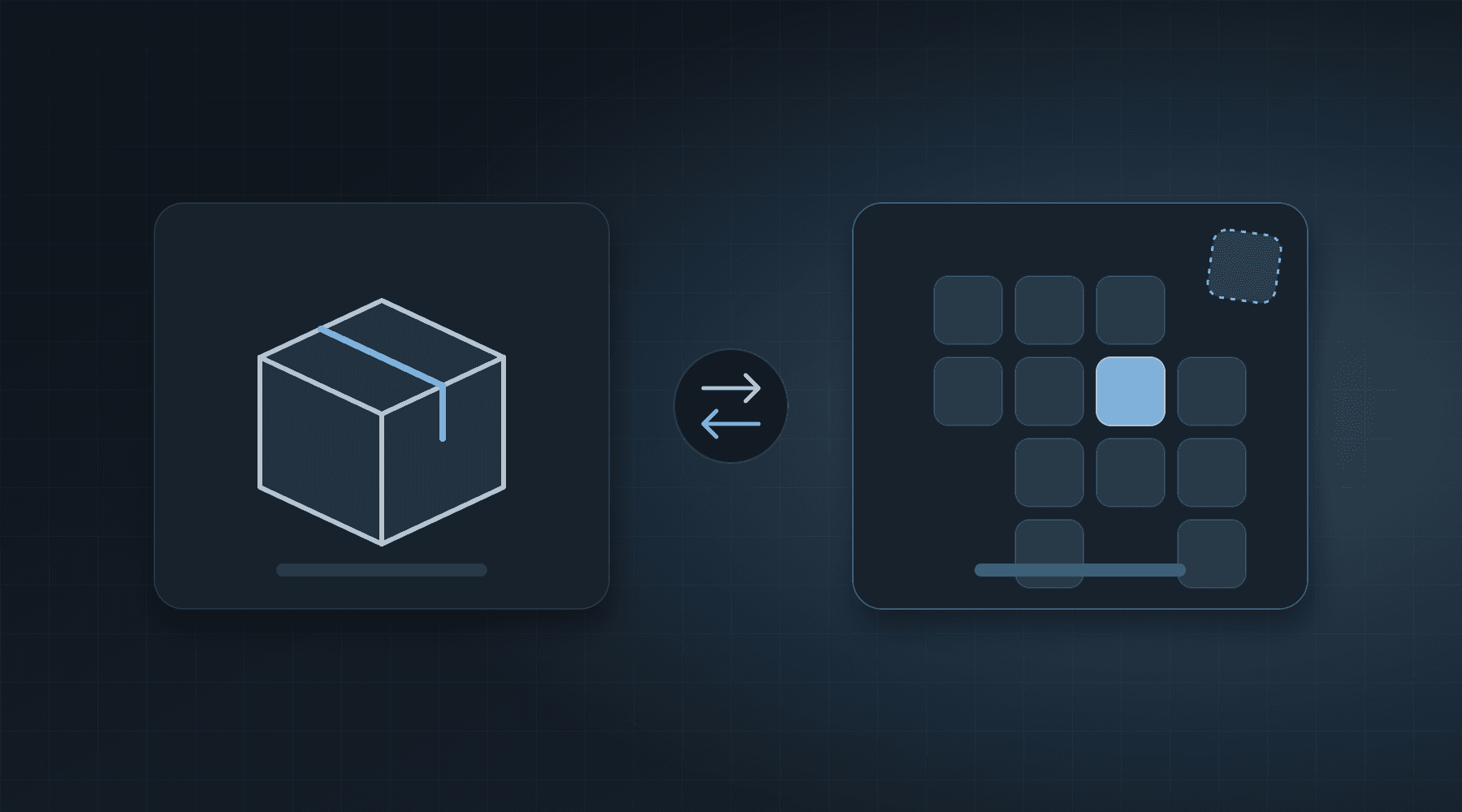
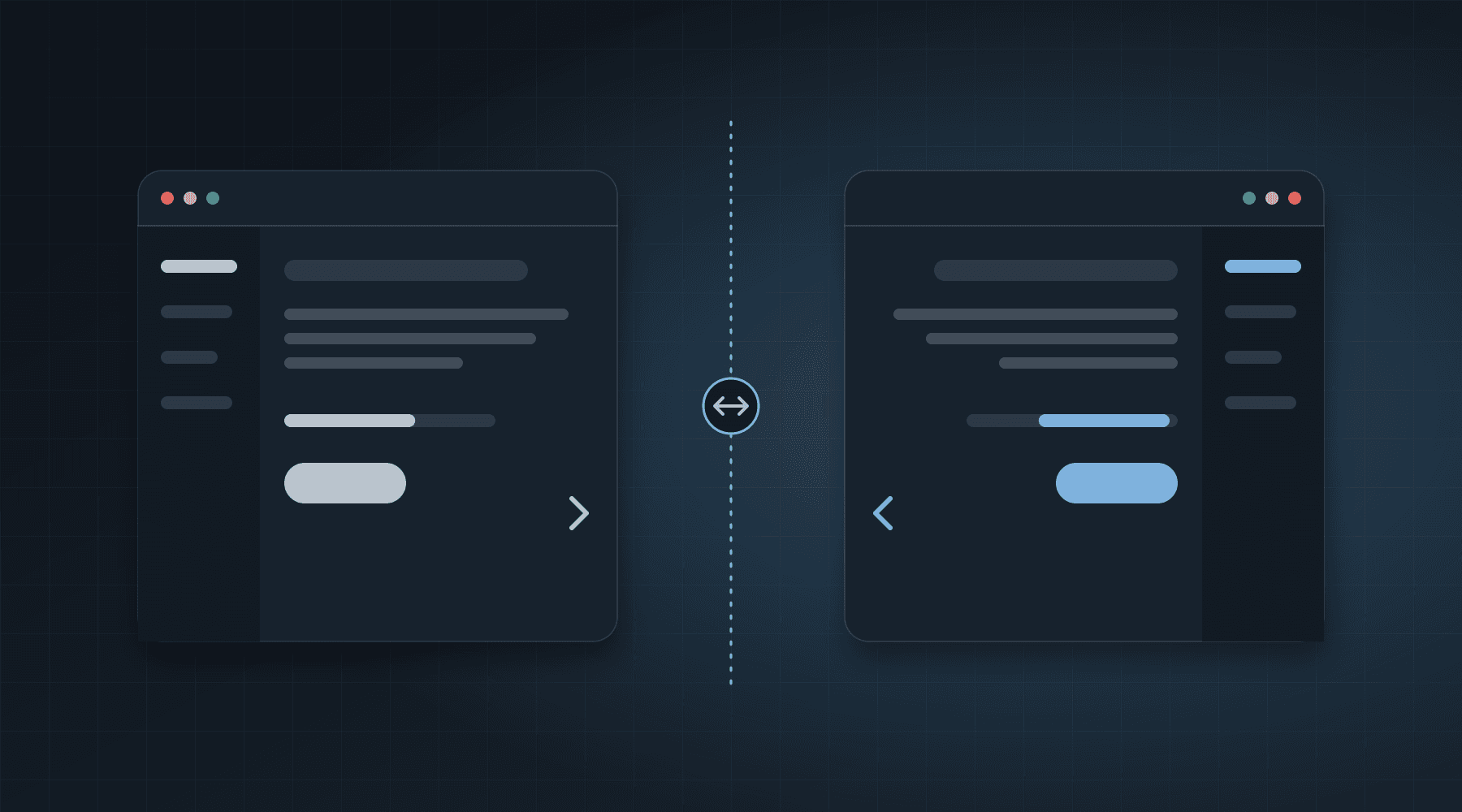
3. Mirroring everything, or nothing
Some things should flip and some should not.
| Mirror | Do not mirror |
|---|---|
| Arrows, chevrons and back buttons | Logos and photographs |
| Progress bars and steppers | Clocks and play or pause icons |
| Sidebars and the order of tabs | Phone numbers, codes and other digits |
| Slide-in direction of drawers | Charts' numbers and most axes |
If you ask "does this icon point to where the user goes next?", you have your answer. If it does, it flips.
4. Text that mixes directions
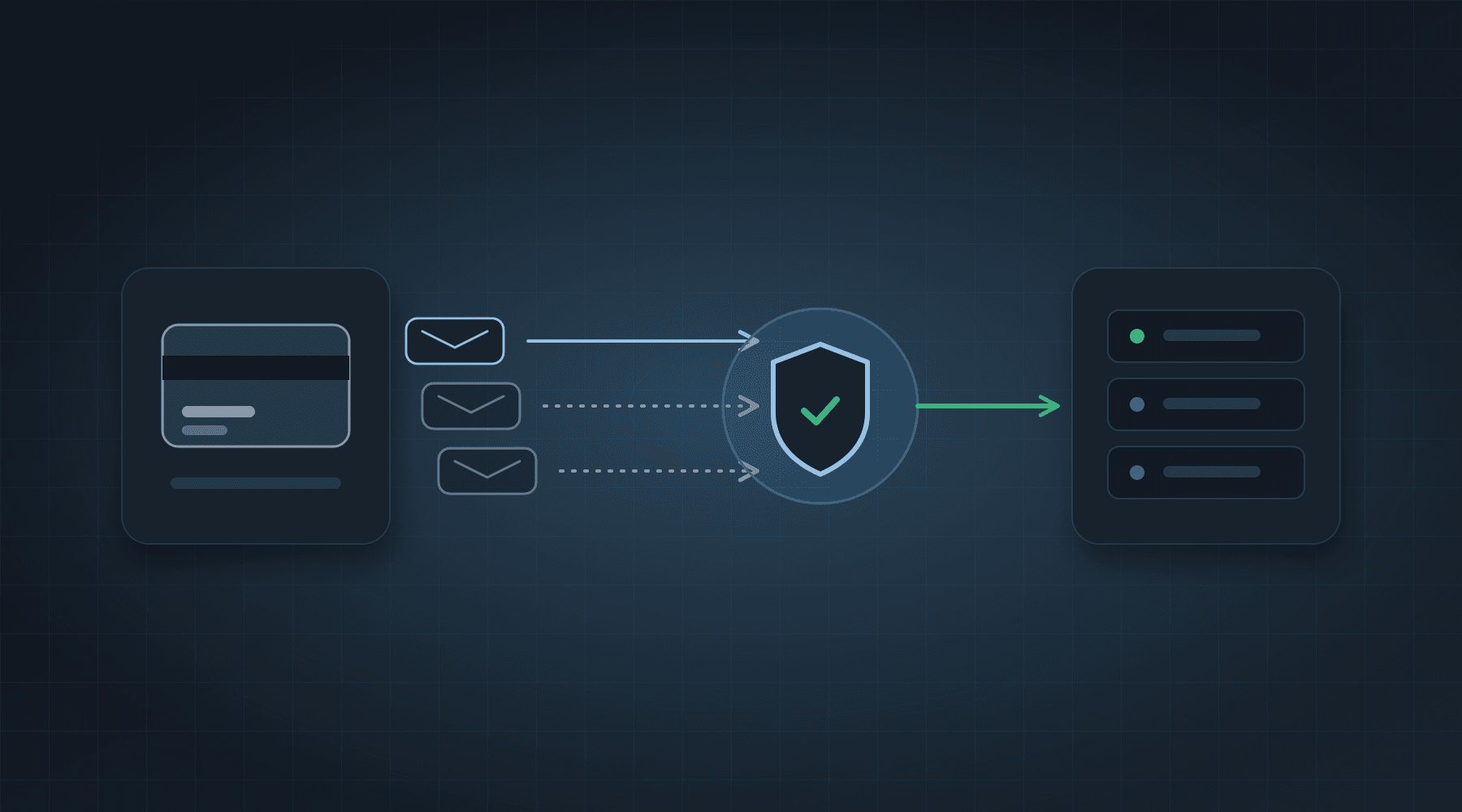
An order reference such as "Order #1234", a brand like "iPhone 15 Pro", an email address or a URL inside an Arabic sentence is a mix of two directions, and the punctuation around it can jump to the wrong side.
- Wrap user-generated or mixed text in
<bdi>, or give the elementdir="auto", so each fragment is judged on its own. - Give emails, URLs, phone numbers and codes
dir="ltr". - For free text from users,
unicode-bidi: plaintextlets each line take the direction of its first strong character.
The W3C's article on inline bidi markup explains why, in detail.
5. Two kinds of digits
Arabic text can use Western digits (0 1 2 3) or Eastern Arabic-Indic digits (٠ ١ ٢ ٣). Both are correct, and which your audience expects depends on the country and the product. The mistake is mixing them on one screen, or by accident through formatting code.
In JavaScript, ar-EG produces Arabic-Indic digits by default. If you want Latin digits, ask for them:
new Intl.NumberFormat('ar-EG').format(1234.5);            // Arabic-Indic digits
new Intl.NumberFormat('ar-EG-u-nu-latn').format(1234.5);  // Latin digits
Pick one on purpose, and on the server accept both when users type a number, converting to one form before you validate or store it.
6. Fonts, size and line height
A Latin-only font has no Arabic letters, so the browser falls back to whatever the system has, and the weights never match. Choose an Arabic font that sits well beside your Latin one (Cairo, IBM Plex Sans Arabic, Noto Sans Arabic and Tajawal are common choices), and load both.
Arabic needs more room. It usually reads better with a line height of about 1.6 to 1.8, and often a little larger than the Latin size next to it. And never apply letter-spacing or text-transform: uppercase to Arabic. Arabic letters join, and spacing them out breaks the words.
7. Layouts that assume English lengths
An Arabic label can be shorter or longer than its English twin by a third or more, and a name field must take both. Avoid fixed widths on buttons, tabs and table headers. Design with the longer string, and check the screen with real, long content, not "Name" and "Save".
8. Forms that fight the user
- Labels and inputs align to the start, but email, URL, phone, password and code fields should be
dir="ltr", because their content is Latin. Keep the placeholder aligned to the start. - Use
inputmodeandautocompleteso the right keyboard appears. - Put the error message next to the field, in the page's direction.
- Do not split names into "first" and "last" boxes unless the business really needs it. Many Arabic names do not fit that shape.
9. Dates, weeks and calendars
The week does not start on Monday everywhere. In Egypt the week usually starts on Saturday, and the weekend is Friday and Saturday in several countries. A date picker with Sunday-to-Saturday hard-coded will confuse people. Use Intl.DateTimeFormat and a date library that knows the locale, and decide whether you show the Gregorian calendar, the Hijri one, or both. Store dates in UTC and show them in the user's time zone.
10. Search that cannot find what you typed
This is the bug that hurts most, because the user did nothing wrong. Arabic has many letters that look alike or are typed interchangeably:
- the alef in its forms: أ إ آ ا
- yaa and alef maqsura: ي ى
- taa marbuta and haa: ة ه
- optional diacritics (tashkeel) and the elongation mark (tatweel)
- Arabic-Indic and Western digits
A search for "احمد" will not find "أحمد" unless you normalise. Normalise both the stored text and the query to one form (you can keep a separate search column), and do the same for sorting with an Arabic-aware collation, such as Intl.Collator('ar') in the browser. A database's default collation often does not treat all of these as equal.
11. Emails, PDFs and exports
The interface is only one part of the product. HTML emails need dir="rtl" on the container. PDF libraries differ: some shape Arabic letters correctly and some print them disconnected and reversed, so test your generator with real Arabic before you rely on it. A CSV that holds Arabic should be saved as UTF-8 with a byte-order mark if people will open it in Excel, or the text turns into symbols.
12. Building sentences from pieces
"You have " + count + " items" works in English. In Arabic the word order changes, and so does the form of the noun with the number: Arabic has six plural forms (zero, one, two, few, many and other), and the right one depends on the count. A sentence glued together from fragments cannot be translated.
Use your i18n library's message format with plural and gender support (ICU MessageFormat is the common standard), and keep each sentence whole in the translation file. Give translators the whole message and the variables, never pieces.
How to test it
- Run every screen in both languages, with real, long, mixed content: names, an English product name inside Arabic text, a long address.
- Screenshot both directions side by side and review the differences.
- Try the search with the same word typed three ways.
- Open your exports and your PDF in the programs your users have.
- Have a native Arabic reader review it, not only a translator.
A checklist
- Logical properties everywhere, and direction set once on the page.
- A deliberate list of what mirrors and what does not.
- Mixed text is isolated with
bdi,dir="auto"ordir="ltr". - One digit system on purpose.
- Arabic font, bigger line height, no letter-spacing.
- Layouts tested with long strings.
- LTR fields for emails, phones and codes.
- Locale-aware dates and weeks.
- Search and sorting normalise Arabic.
- Emails, PDFs and CSVs checked in RTL.
- Sentences translated whole, with plural support.
BENAA builds bilingual Arabic and English products as part of its everyday work. If you are planning one and want a team that treats the Arabic version as a first-class interface rather than a translation, tell us what you are building.